

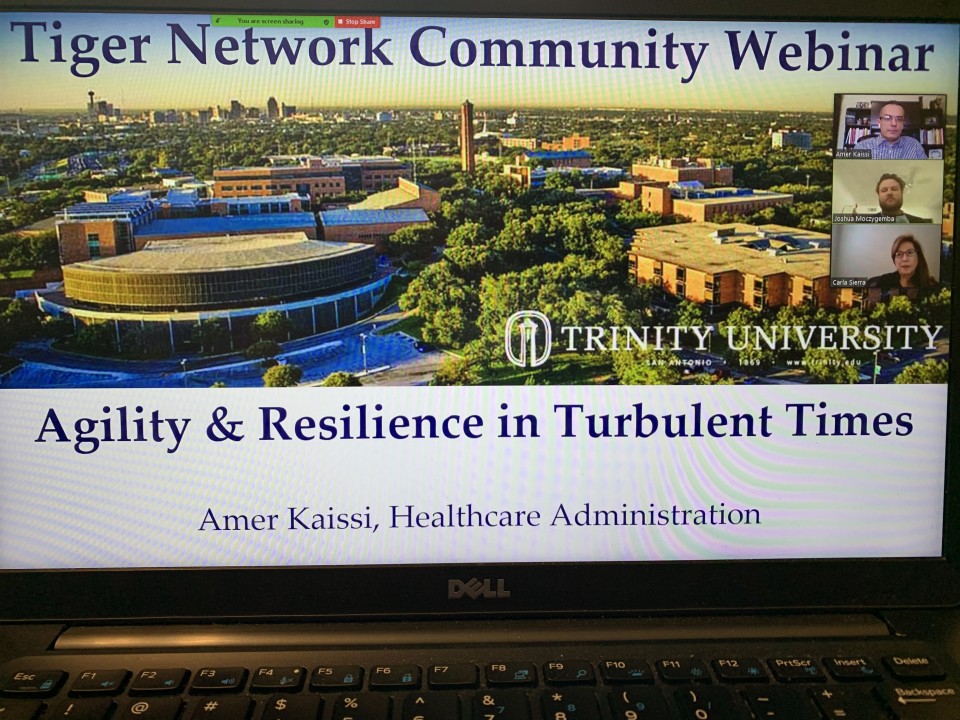
A few years ago, I published “Intangibles,” a book that highlights the traits of high-performing leaders. The book provided me with a platform to present to various audiences all over the U.S. and Canada. I started getting invited by various organizations, began doing speaking engagements with the Studer Group and became a faculty member with ACHE. I presented on topics like “Agility & Resilience,” “Humility in Leadership,” and “How to build a culture of Kindness & Accountability.” Things were going well. And then the pandemic hit. All of the in-person talks that were scheduled for 2020 got cancelled.
Shortly after though, the offers to present via Zoom started trickling back in April and May. Like many other speakers, I had to adapt and I had to develop a new presentation style that better fits with a virtual format. In the last few months, I have given more than a dozen presentations via Zoom, in addition to teaching three graduate-level courses that were fully virtual. In this short article, I would like to share what I learned in terms of best practices for presenting on Zoom.
Lesson 1: Always login early
It is always a good idea to go early to the place where you will be presenting to make sure everything looks fine, in terms of audio and computer/projector. But it is especially important for Zoom presentations. I like to login at least 20 minutes early to check the audio, make sure the other people on the call can hear me, and to figure out how to share my screen and use other features.
Lesson 2: Short is Sweet
With face-to-face presentations, it isn’t unusual for speakers to present for one hour, two hours, or even three to four hours. As part of my work with ACHE, and prior to the pandemic, I regularly delivered two-day workshop for executives. But when it comes to online presentations, attention span is very short. Now it is very common to get requests for 45 or 30 minutes talks. I recently delivered a 10-minute talk on resilience to the top executive team of a large health system!
Lesson 3: Keep it Interactive
Even if the talk is short, speakers still need to find ways to engage the audience and keep them interested. Some of the best ways to do that is by using the chat room function in a deliberate way, sending attendees into breakout rooms, and intentionally building space for discussion and questions. People are much less likely to jump in when they are on Zoom vs. in the same room. Online speakers have to make it easier for them to participate and contribute.
Lesson 4: Hide your Own Picture
I learned this one from my colleague and great speaker Craig Deao at the Studer Group. If you are like 99% of human beings, you get distracted by your own picture. So after you login and make sure that people can see your face and that the lighting is appropriate, click on the three dots next to your picture icon and choose “Hide Self-View.” The other participants can still see you and you can still see them, but you don’t have your own picture staring back at you. That has made a huge different for me in terms of focusing on the content and the attendees.
————————————————————————————————————-
Dr. Amer Kaissi is a Professional Speaker, Executive Coach and an expert on Leadership, Humility & Ambition, Assuming Positive Intent, Psychological Safety & Accountability, Growth Mindsets & Resilience. He is the author of five books.